
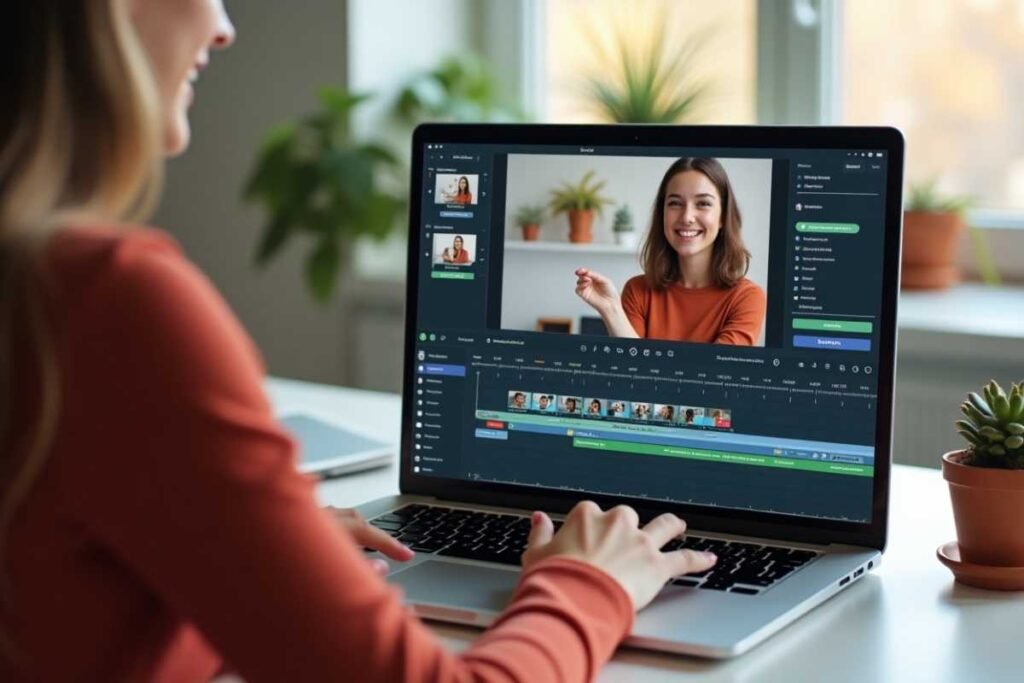
Vizard AI is a powerful yet easy to use tool that helps beginners create professional looking videos without any editing skills. Whether you’re a content creator student or small business owner Vizard makes the video creation process fast simple and fun.
With drag and drop templates automatic captions and smart AI features site turns your ideas blogs or recordings into ready to share videos within minutes. Its the perfect solution for anyone who wants to create quality video content without wasting time or money.
What is Vizard AI?
Vizard AI is a beginner friendly tool that lets anyone create professional videos in minutes without needing editing skills or expensive software. Whether youre a student marketer or small business owner Vizard makes it easy to turn your text blogs or raw footage into polished videos using artificial intelligence. It offers ready made templates for platforms like YouTube Instagram TikTok and more.
With AI powered editing auto captions and voiceover support you can create high quality content faster than ever. To get started just sign up on a template upload your content and let the AI do the work. You can then customize your video with your own fonts logos music and transitions.
What Makes Vizard AI Stand Out?
- Speed Create videos in under 5 minutes
- Simplicity No learning curve
- Quality High resolution output with captions
- AI Efficiency No need to edit manually
Why Choose Vizard AI for Video Creation?
No Experience Needed
With Vizard AI even a child can create videos. The interface is clean drag and drop friendly and requires no technical background.
Save Time and Money
Hiring editors or using advanced software can be costly. Vizard reduces production time by over 80%.
Perfect for All Use Cases
- Marketing videos
- Social media content
- Educational explainers
- E-commerce product demos
Who Should Use Vizard AI?
Small Business Owners
Create product explainers and ads quickly.
Social Media Influencers
Generate fresh video content daily with ease.
Teachers and Educators
Turn lessons or notes into engaging visuals.
Digital Marketers
Produce campaigns without needing a production team.
How Vizard AI Saves Time and Effort?
Unlike traditional editing software, Vizard AI automates tasks like trimming silence adding subtitles and generating layouts. This reduces video production time from hours to just a few minutes making it ideal for busy content creators and marketers.
Step by Step Guide How to Use Vizard AI?
Create an Account
Go to Vizard official website and sign up using your email. Choose the plan that fits your needs free and paid options are available.
Choose a Video Template
Once you log in you can pick from a wide variety of templates depending on your goal.
- Instagram Reel
- YouTube Short
- LinkedIn Post
- TikTok Story
Upload Your Content
You can either upload raw video footage or input text for site to turn into a video. It accepts:
- mp4, mov files
- Text links or blog URLs
- Zoom or Google Meet recordings
Let the AI Work Its Magic
Vizard AI automatically:
- Detects key moments
- Trims silent or unnecessary parts
- Adds captions
- Suggests layout improvements
Customize Your Video
Even though its AI powered you have full control:
- Change fonts colors and background
- Edit captions
- Insert transitions or call to actions
- Add music or voiceovers
Export and Share
Once satisfied hit Export. Your video is ready to be shared across platforms instantly.
Real Life Use Cases of Vizard AI
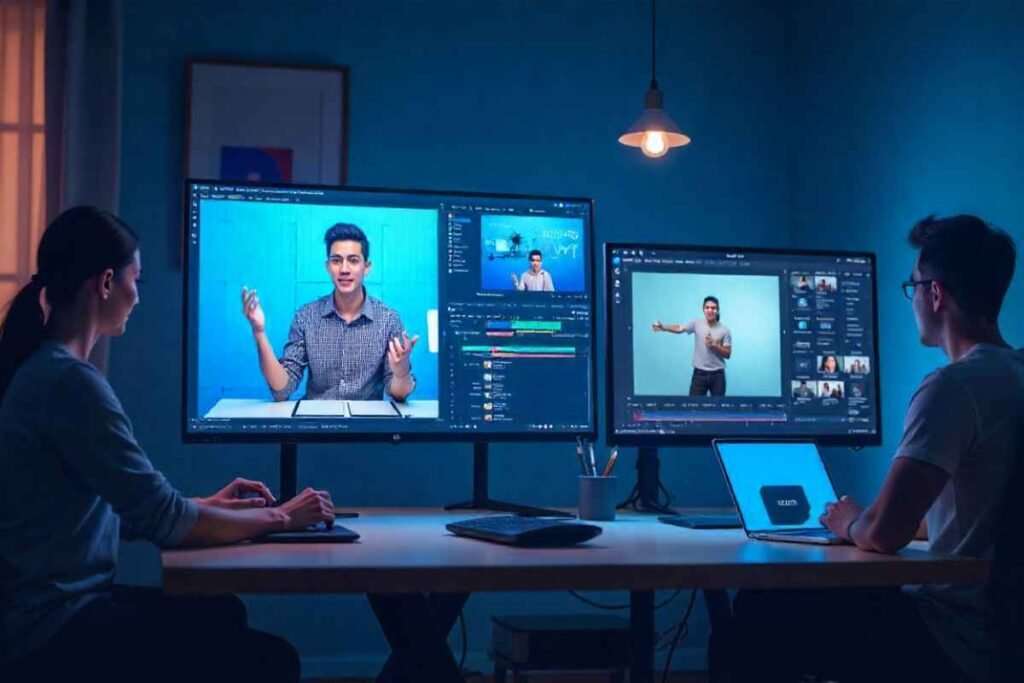
Many people use Vizard for different coverage-of-artificial-intelligence-trends/ purposes: marketers make ads, educators create teaching content influencers post reels and startups build product demos. Its a flexible platform that adapts to multiple content needs with minimal effort.
Key Features of Vizard AI
- AI Powered Editing Automates video trimming and cleanup
- Text-to-Video Conversion Turn articles and blogs into videos
- Templates Pre made templates for social media YouTube and more
- Captions and Subtitles Auto generated and editable
- Voiceover Support Add AI or your own voice
- Multi-Language Support
Advantages Over Traditional Video Tools
| Feature | Vizard AI | Traditional Tools |
|---|---|---|
| Learning Curve | Very Easy | Steep |
| Editing Time | Minutes | Hours |
| Automation | Full AI Support | Manual Work |
| Templates | Built in | Requires design |
| Cost | Affordable/Freemium | Expensive Subscriptions |
Best Templates in Vizard AI for Quick Video Projects
Vizard AI includes a library of ready made templates for YouTube Shorts Instagram Reels TikTok and business presentations. These templates are optimized for screen sizes styles and engagement so you don’t need to worry about format or design choices. Just plug in your content and go.
ustomizing Your Videos with Vizard AI Tools
After your video is generated site allows easy customization. You can change fonts color schemes add your brand logo insert music or record voiceovers. This ensures every video looks and sounds exactly how you want even if AI created the base version.
Tips for Getting the Best Out of Vizard AI?
Use Clear Input Text
If you’re using text to video write simple clear content. AI performs better when the source material is easy to understand.
Keep Videos Short and Snappy
Attention spans are short. Keep your videos between 30-90 seconds for best engagement.
Brand Your Content
Use your own logo fonts and brand colors in every video to build recognition.
Experiment with Templates
Try different templates to see which ones match your brand or niche better.
Using Vizard for Educational Purposes
Teachers tutors and e-learning creators can use Vizard AI to turn lessons notes or presentations into animated explainer videos. It makes learning more interactive and digestible especially for students who prefer visual content. You can even add voiceovers for better delivery.
Editing Meeting Recordings with Vizard AI
Vizard can import Zoom or Google Meet recordings and automatically highlight important parts. It trims pauses removes filler words and creates a short shareable summary. Perfect for team updates client briefings or social media recaps from live sessions.
Vizard AI Pricing Plans
| Plan | Features | Price |
| Free | Basic templates, watermark | $0 |
| Pro | No watermark, premium templates | $15/month |
| Team | Collaboration & cloud storage | Custom pricing |
Common Use Cases of Vizard
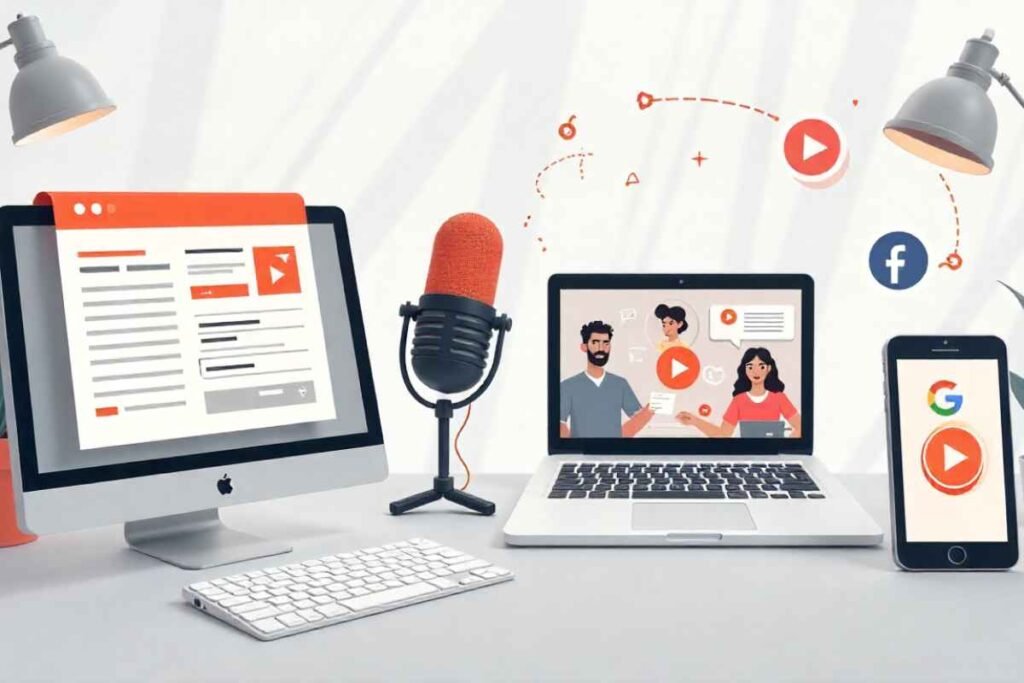
- Repurposing Blog Content Convert articles into videos
- Podcast to Video Turn audio interviews into short clips
- Meeting Highlights Create recap videos from recordings
- Ads and Promotions Quick video ads for Facebook or Google
Conclusion
Vizard AI is the perfect solution for anyone who wants to create videos quickly without technical skills. Its user friendly interface smart automation and ready made templates make video production easy even for complete beginners. Whether you’re creating for social media marketing or education helps you do it faster and better.
If you’ve never edited a video before don’t worry. With just a few clicks Vizard turns your ideas into high-quality ready to share content. Its time saving cost effective and fun to use making it a must have tool in todays content-driven world.
FAQs
Is Vizard AI free to use?
Yes there is a free plan available but videos will include a watermark.
Can I use Vizard on mobile?
Yes its web based and mobile responsive.
Does site support voiceovers?
Absolutely! You can upload your voice or use AI generated ones.
Are there any tutorials available?
Yes Vizard AI provides built-in tutorials and guides.
Is my data secure on Vizard AI?
Yes Vizard AI uses encrypted storage and follows industry standard security proto

